If you’re comparing DDR4 vs DDR5 gaming, it helps to start with two simple truths.
First, RAM capacity usually has a bigger impact on how games feel than the DDR4 or DDR5 label.
Second, DDR5 can be faster, but it is not a guaranteed FPS upgrade in every game.
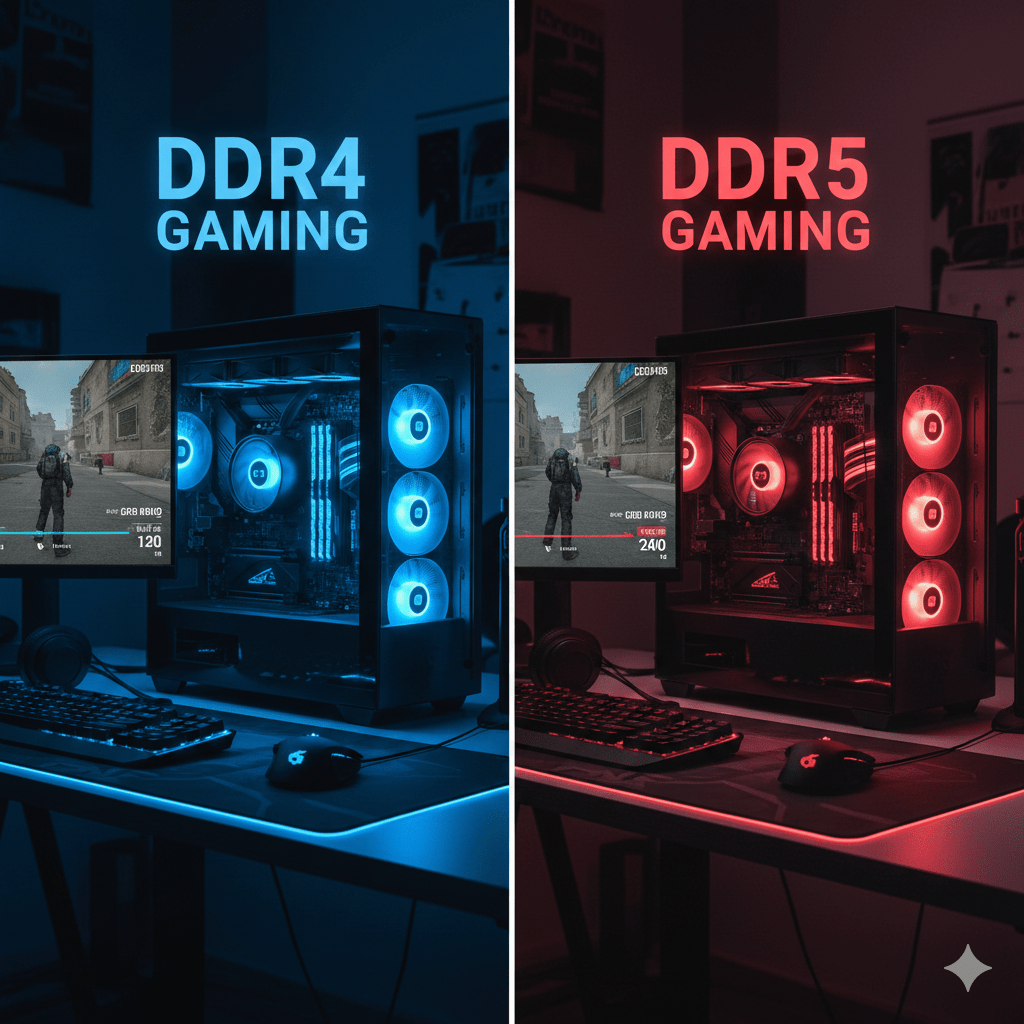
That’s why most gamers end up asking the same core question first: how much RAM for PC gaming — and only then deciding which memory generation fits their build and budget.
What RAM Actually Does in Games
RAM supports the system while your CPU and GPU do the heavy work. In gaming, memory affects:
- Asset loading and streaming
- Smoothness in busy scenes
- Stability during multitasking
- Stutter when memory runs out
When RAM is insufficient, Windows relies more on storage. That’s when hitching, pauses, and uneven frame pacing appear.
This is where capacity matters more than raw memory speed.
DDR4 vs DDR5 Gaming Explained Simply
DDR4 Memory in Gaming
DDR4 is mature, widely compatible, and generally cheaper. Many stable kits exist, and performance is well understood across platforms.
For most games, good DDR4 still delivers:
- Stable average FPS
- Reliable performance
- Predictable behavior
DDR5 Memory in Gaming
DDR5 offers higher data rates and newer platform support. It can help in certain CPU-limited scenarios and may provide a better long-term upgrade path.
In real games, DDR5 may offer:
- Small FPS gains in CPU-heavy titles
- Slightly improved 1% lows
- Minimal change in GPU-limited AAA games
This is why DDR4 vs DDR5 gaming is rarely a night-and-day difference on its own.
How Much RAM for PC Gaming: Capacity Breakdown
8GB RAM – Still Works, With Limits
8GB can run many games, especially lighter or competitive titles. The downside is limited breathing room.
What it often feels like:
- Slower alt-tabbing
- Stutter when loading new areas
- Memory pressure with background apps
For new builds in 2026, 8GB is best seen as the entry level, not the goal.
16GB RAM – The Modern Sweet Spot
For most players, 16GB is the best answer to how much RAM for PC gaming.
It allows:
- Smooth gameplay in modern titles
- Room for Discord, launchers, and overlays
- Far fewer memory-related hiccups
If someone asks how much RAM for PC gaming without extra context, 16GB is the safest recommendation.
32GB RAM – Comfort and Headroom
32GB is about consistency and multitasking rather than raw FPS.
It helps when you:
- Play large open-world games
- Use mods
- Record or stream gameplay
- Keep many apps open while gaming
This is the “set it and forget it” tier.
64GB RAM – For Specific Workloads
64GB rarely improves gaming performance on its own.
It makes sense for:
- Heavy content creation alongside gaming
- Large simulations with mods
- Professional workloads on the same system
For pure gaming, 32GB is usually more than enough.
FPS vs 1% Lows vs Stutter
Gamers often focus on average FPS, but smoothness is defined by more than one number.
- Average FPS shows overall performance
- 1% lows show consistency
- Stutter shows memory or asset pressure
RAM capacity mainly affects the last two. When memory runs out, even high FPS can feel bad.
This is why many “performance problems” are really RAM capacity issues in disguise.
Where DDR5 Actually Helps in Gaming
DDR5 tends to matter more when the CPU is the bottleneck, such as:
- Competitive esports titles at very high FPS
- Strategy or simulation games
- Large crowds or AI-heavy scenes
In these cases, DDR5 may slightly improve responsiveness and consistency. In GPU-limited AAA games at high settings, differences are often hard to notice.
RAM Speed, Latency, and Real Expectations
RAM specs can look confusing. A simple way to think about it:
- Higher data rates can help in some CPU-heavy tasks
- Lower latency can improve responsiveness in certain patterns
- Games vary widely in how they respond
In practice, faster RAM rarely beats more RAM if capacity is the limiting factor.
Practical Buying Advice
If You Already Have a DDR4 System
- Upgrading from 8GB to 16GB is often transformative
- Moving from 16GB to 32GB improves comfort
- Switching to DDR5 usually requires a new motherboard
Capacity upgrades are usually the smartest first step.
If You’re Building on a Budget
DDR4 platforms still offer excellent value. Put more budget toward:
- A stronger GPU
- A capable CPU
- A fast SSD
- Good airflow
Then choose stable DDR4 memory.
If You’re Building for Longevity
DDR5 makes sense if:
- Your chosen platform is DDR5-first
- You plan future CPU upgrades
- You play CPU-heavy games
Here, DDR4 vs DDR5 gaming becomes a platform decision rather than a pure performance one.
Recommended RAM by Gamer Type
Casual and Competitive Players
Target: 16GB
Best for esports and mainstream titles
AAA and Open-World Fans
Target: 16GB minimum, 32GB preferred
Helps reduce streaming and loading stutter
Modders, Streamers, Creators
Target: 32GB
Provides stability with heavy multitasking
Specialized Workloads
Target: 64GB
Only when gaming shares space with demanding tasks
Dual-Channel and Setup Tips That Matter
- Use two matching sticks when possible
- Avoid mixing kits unless necessary
- Don’t overspend on extreme speeds for mid-range builds
- Close unnecessary background apps during play
These basics often matter more than chasing high memory frequencies.
Final Take on DDR4 vs DDR5 Gaming
For most players, the best improvement comes from enough RAM, not newer RAM.
Sixteen gigabytes remains the clean answer to how much RAM for PC gaming, while 32GB offers comfort for modern habits.
DDR5 can help in the right builds, especially with newer CPUs and CPU-limited games, but it is rarely the single reason a PC suddenly feels fast.
Choose capacity first, platform second, and memory generation last.