A 4K gaming PC build is designed to push a huge number of pixels without feeling heavy when you move the camera, turn quickly, or load large scenes. At 3840 × 2160, you are rendering about 8.3 million pixels at once, which is roughly four times the pixel count of 1080p.
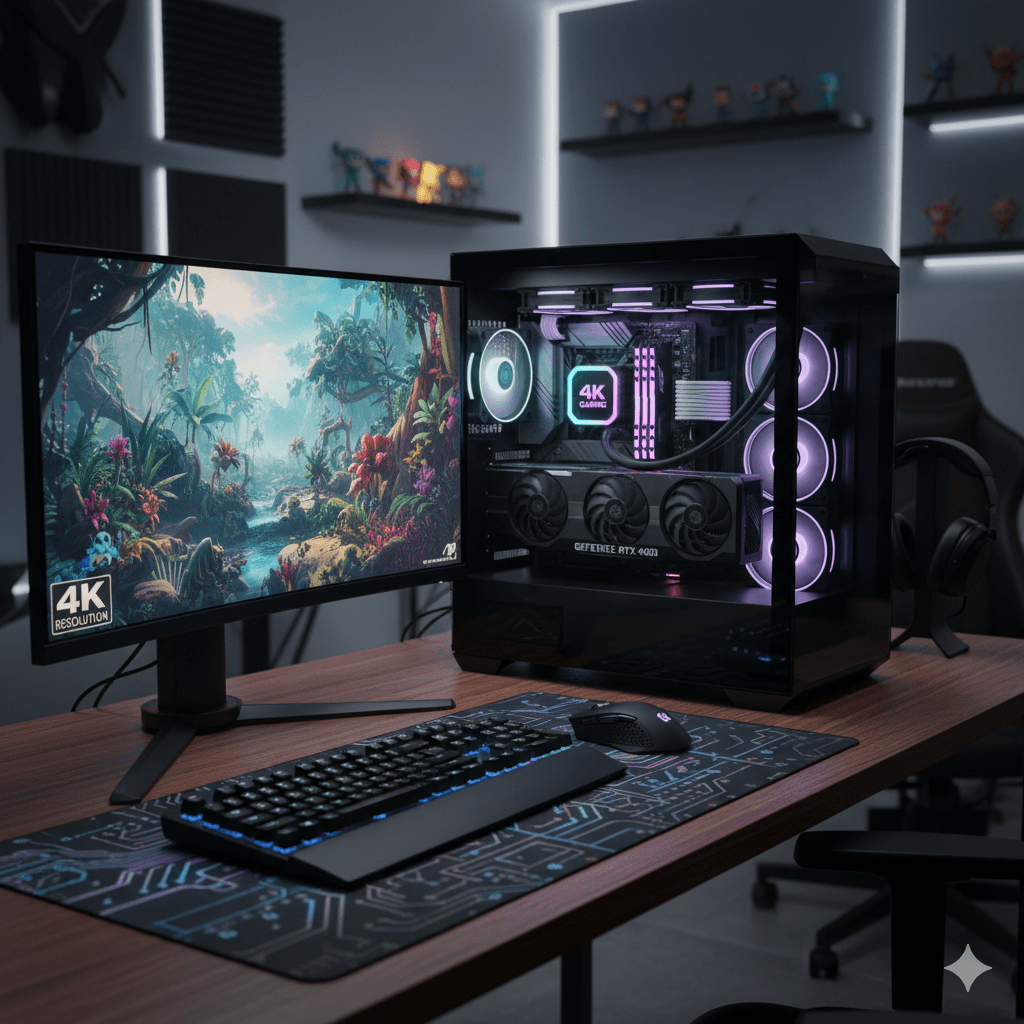
That jump in resolution changes how every part of your system behaves.
At 4K:
- The GPU becomes the primary limit in most modern games
- VRAM usage increases sharply with high-resolution textures and effects
- Display connections matter more at high refresh rates
- Your frame-rate target completely reshapes the parts list
You may also see “4K” referenced as 4096 × 2160 in cinema workflows. Consumer gaming displays almost always mean 3840 × 2160, which is why “4K” can sometimes sound inconsistent across contexts.
Aspect Ratio, Screen Size, and Why 4K Feels Different
Most 4K displays use a 16:9 aspect ratio, but screen size and viewing distance change how sharp the image feels.
A 27-inch 4K monitor can look extremely crisp up close. A 55-inch 4K TV can look just as impressive from farther away. The feeling of sharpness is shaped by:
- Resolution
- Screen size
- Viewing distance
- Panel quality
- Color and HDR handling
Resolution alone does not decide image quality.
Choose Your 4K Target Before Buying Parts
A 4K gaming PC build means very different things depending on your goal.
4K 60: Cinematic and Stable
This target suits:
- Story-driven games
- Open-world titles
- Visually rich experiences
It pairs well with high texture quality, HDR, and quieter acoustics.
4K 120 (or High Refresh): Fast and Fluid
This target suits:
- Shooters
- Racing games
- Sports titles
- Motion-clarity fans
It demands far more from:
- The GPU
- The display
- The cable and connection standard
HDR Goals: SDR, HDR10, and Dolby Vision
HDR can make a 4K build feel like a true upgrade even when frame rate stays the same. HDR is about dynamic range and color depth, not just brightness.
You’ll encounter terms like:
- Wide color gamut
- HDR10
- Dolby Vision
- Tone mapping
- Brightness peaks
Dolby Vision is often described as HDR using dynamic metadata to guide scene-by-scene presentation when supported through the full chain.
The Core Parts That Define a 4K Gaming PC Build
GPU: The Anchor of Your 4K Gaming PC Build
At 4K, the GPU usually defines the experience. This is especially important for players planning to enjoy demanding open-world experiences such as titles featured on a GTA 6 RP server list, where high-resolution textures and large multiplayer environments can heavily stress graphics hardware.
Key factors:
- VRAM capacity for textures and buffers
- Upscaling support for flexibility
- Cooling design and power draw
When VRAM runs out, you may see stutter, texture pop-in, or sudden frame dips.
Upscaling can act as a performance lever. Even if you prefer native 4K, it gives you options when a game pushes limits.
CPU: Still Important at 4K
While 4K shifts load toward the GPU, the CPU still affects:
- Frame pacing
- Open-world streaming
- Simulation and management games
- Competitive titles chasing high refresh
For strategy and simulation games, CPU behavior can shape how responsive the system feels even at 4K.
RAM: Capacity First, Then Speed
For a modern 4K gaming PC build, 32GB RAM is a comfortable baseline.
It supports:
- Large modern games
- Background apps
- Capture tools
- Browsers and launchers
Speed matters, but capacity and stability matter more.
Storage: Big Games Need Fast Drives
A fast SSD improves:
- Load times
- Asset streaming
- Patch handling
A clean approach:
- One SSD for OS and apps
- One SSD for games
- Optional extra storage for captures and media
4K gameplay recording fills storage quickly.
Motherboard: Buy for Features, Not Hype
Focus on:
- CPU support
- M.2 slots
- Stable power delivery
- Ports you actually use
A premium board only helps when its features match your setup.
Power Supply: Quiet, Stable Headroom
Your PSU should offer:
- Enough wattage for GPU spikes
- High build quality
- Correct connectors
- Quiet behavior under load
Running near limits increases noise and instability.
Cooling: Air vs Liquid
Both can work well.
What matters most:
- Clean airflow paths
- Adequate intake and exhaust
- Fans that move air without screaming
Case and Airflow: Where Many 4K Builds Fail
High-end GPUs dump heat fast. Poor airflow lowers boost clocks and consistency.
A simple layout:
- Front intake
- Rear and top exhaust
- Unblocked GPU airflow
Dust control matters more than aesthetics long-term.
Display Choices for 4K Gaming
4K Monitors
Often offer:
- High pixel density
- Fast response
- VRR support
4K TVs
Deliver:
- Immersion
- Strong HDR
- Large screen impact
Watch for:
- Input lag
- 4K 120 support
- VRR
- HDR tone mapping
Brands vary widely. Two TVs labeled “4K HDR” can look very different.
Projectors and Cinema-Style Setups
Projectors can look incredible, but gaming requires:
- Low latency
- Good motion handling
- Adequate brightness
Connection Standards: HDMI, DisplayPort, and Bandwidth
HDMI 2.1
Commonly discussed because it supports:
- 4K high refresh
- HDR
- VRR
- Higher color depth
DisplayPort
Many PC monitors rely on DisplayPort for high refresh 4K.
Cables Matter More Than People Think
Poor cables cause:
- Flicker
- Dropouts
- Black screens
- Signal negotiation issues
HDR, Color, and Image Settings
HDR affects:
- Color mapping
- Brightness curves
- Tone handling
A commonly referenced HDR standard is ITU-R BT.2100, which defines HDR color and brightness behavior in modern workflows.
Panel design choices (including subpixel structures) influence brightness and color efficiency. The takeaway is simple: panel tech matters.
A Clean 4K Gaming PC Build Blueprint
Target: High-End 4K
CPU
Strong single-core gaming CPU or higher-core option for mixed workloads
GPU
Top-tier GPU class aimed at stable 4K
RAM
32GB standard
64GB only for heavy creation or mods
Storage
1–2TB SSD for games
Extra storage if needed
PSU
High-quality PSU with headroom
Cooling & Case
Unrestricted airflow and stable thermals
Build Order That Reduces Mistakes
- Prep workspace
- Install CPU, RAM, SSD on motherboard
- Mount motherboard and power
- Install GPU last
- First boot, then tidy cables
First Setup After the Build
- Update drivers
- Set correct resolution
- Enable VRR if supported
- Cap frame rate when it improves consistency
- Calibrate HDR
Game Settings That Matter Most at 4K
High-impact settings:
- Ray tracing
- Volumetrics
- Heavy shadows
- Reflections
- Crowd density
Some settings cost a lot but look similar at normal viewing distance. Test per game.
Upscaling is a tool, not a compromise.
4K Beyond Games: Media and Streaming
A 4K gaming PC often becomes a media hub:
- Streaming services
- Local files
- High-bitrate playback
You’ll see terms like:
- Progressive scan
- Containers and formats
- HDR metadata
- Audio sync
Every device in the chain interprets the signal, which is why 4K can look different across setups.
Common 4K Gaming PC Build Problems
Sudden stutter
- VRAM pressure
- Background apps
- Thermal throttling
Black screens or flicker
- Cable quality
- Port limits
- Refresh mismatch
Washed-out HDR
- Incorrect OS or display settings
Picking Parts Without Getting Lost
Ask yourself:
- 4K 60 or 4K 120?
- Monitor or TV?
- Noise tolerance?
- Desk or living-room setup?
A good 4K gaming PC build hits targets consistently, not just on paper.
Wrap-Up
A strong 4K gaming PC build starts with clarity. Decide your resolution, refresh, display type, and HDR goals first. Then invest most of your budget in the GPU, support it with a stable CPU, 32GB RAM, fast SSDs, a quality PSU, and good airflow. Use the right connection standard and spend time on setup.
That combination delivers smooth 4K gaming that stays enjoyable for years.