A budget gaming PC build is not about chasing big benchmark numbers or flashy specs. It’s about putting money where it actually changes gameplay: stable frame rates, controlled temperatures, and parts that won’t block future upgrades.
For first-time builders, the goal is simple.
Spend on what affects gaming feel, skip what only looks impressive on paper.
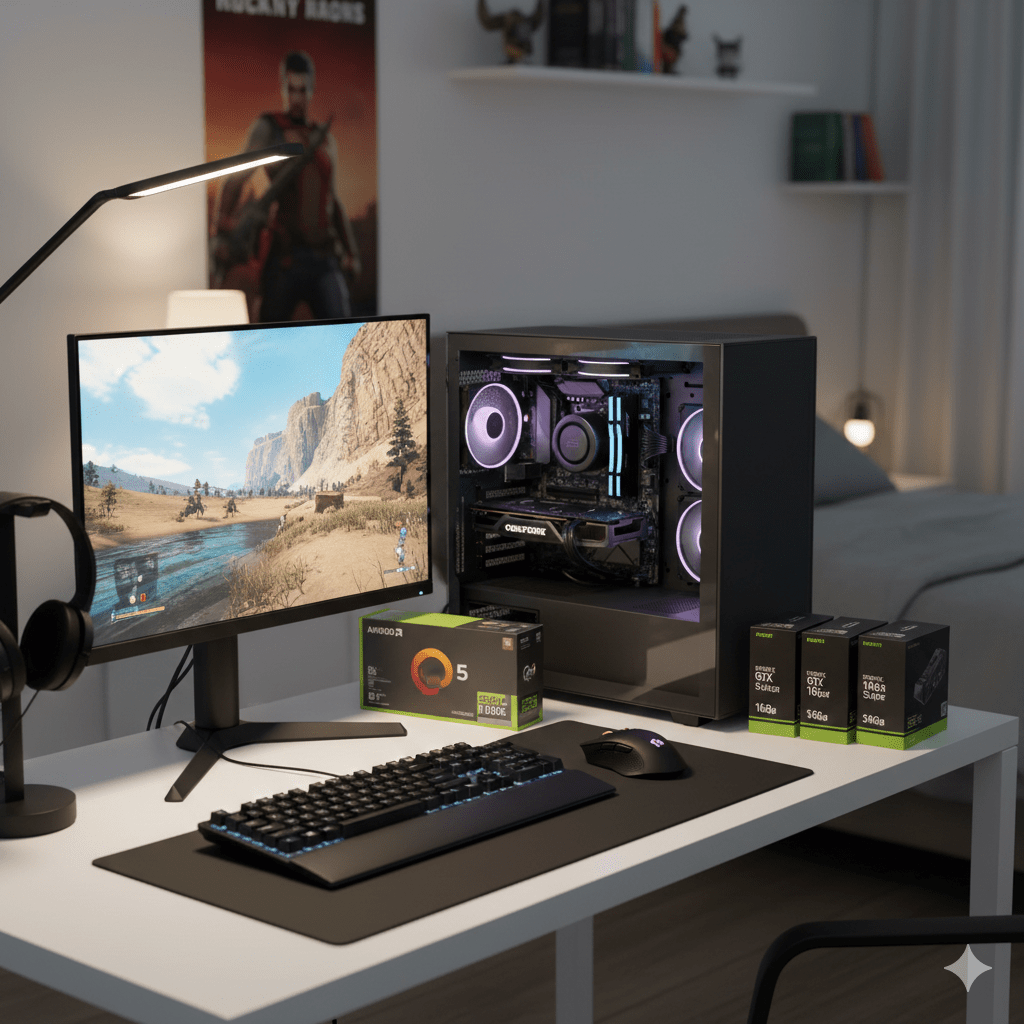
This guide walks through a complete budget gaming PC build, part by part. It covers CPU, GPU, RAM, storage, motherboard, PSU, case, cooling, and setup basics, while keeping compatibility and safety in focus.
You’ll also see budget gaming pc build squad mentioned. Some readers mean the game Squad. Others mean a shared build plan. This guide supports both: a system that handles demanding multiplayer games and stays stable in long sessions.
What “Budget Gaming PC Build” Means in 2026
A budget build can still deliver excellent gaming results. The real limit is not the budget itself, but how the budget is split.
Most budget-focused systems target 1080p gaming first, with the option to grow into 1440p later. Ultra settings and ray tracing are expensive. A smart budget build treats them as optional, not required.
What You Can Expect From a Budget Build
With the right balance:
- Competitive and esports titles run smoothly
- Modern AAA games play well with tuned settings
- Load times stay short
- The system remains stable in long sessions
The mistake many beginners make is overspending on one part and starving the rest of the system.
The Sweet-Spot Spending Rule
For most games:
- Put the largest share of the budget into the GPU
- Choose a CPU that keeps the GPU fed
- Never cheap out on the power supply
- Use fast, reliable storage
A weak PSU can ruin the whole build. A tiny or slow drive can cause hitching and long load times.
Choose Your Target Before Buying Parts
Pick one goal first:
1080p Smooth Gameplay
Best value per money. High frame rates with sensible settings.
1440p With Balanced Settings
Costs more on the GPU side, but offers sharper visuals.
CPU-Heavy Multiplayer Focus
Large matches, simulation games, and titles like Squad benefit from stronger CPU behavior and stable frame times.
Once the target is clear, every part choice becomes easier.
The Three Budget Build Tiers
These are targets, not locked shopping lists. Availability and prices change by region.
Tier 1: Tight Budget 1080p Build (Starter Value)
This tier suits first-time builders who want dependable performance and an easy upgrade path.
CPU
A modern 6-core processor is a strong starting point.
Focus on stable gaming behavior, not extra cores you won’t use.
GPU
This is where most of the money should go.
Choose an entry-level current-generation card with enough VRAM for modern textures. A carefully chosen used card can work if checked properly.
RAM
- 16GB works for many games
- 32GB helps with multitasking, mods, and smoother long sessions
Storage
An NVMe SSD makes the system feel responsive.
A 1TB drive is comfortable for a real game library.
Motherboard
Match the CPU socket and RAM type.
Skip flashy extras. Focus on stability, rear USB ports, and cooling quality.
PSU
Do not gamble here.
Choose a reputable unit with headroom for future GPU upgrades.
Case and Cooler
Airflow matters more than looks.
Many CPUs work fine with a basic air cooler or even a good stock cooler.
What this tier feels like:
Smooth 1080p gameplay with tuned settings and clear upgrade options later.
Tier 2: Value Build (Best Balance for Most Gamers)
This is where money feels well spent.
CPU
6 cores still work well.
8 cores can feel better in heavier games and background load.
GPU
Aim for the best price-to-performance option available locally.
This tier handles 1080p high and steps into 1440p with balanced settings.
DDR4 vs DDR5
- DDR4 remains strong value on the right platform
- DDR5 can help on newer platforms when total system cost makes sense
Storage
A fast NVMe SSD improves open-world streaming and system responsiveness.
PSU
Buy with future upgrades in mind.
What this tier feels like:
Stable performance without constant tweaking.
Tier 3: Budget 1440p Build (Longer-Term Foundation)
This tier targets 1440p as the default resolution.
CPU
A good 6-core works.
An 8-core can feel smoother in large multiplayer matches and simulation-heavy games.
GPU
The most important part here.
You need enough VRAM and raw power to handle 1440p textures and effects.
RAM
32GB is a sensible choice for this tier.
Storage
A 1TB NVMe SSD minimum feels right.
Motherboard and PSU
Choose parts that support future GPU upgrades.
What this tier feels like:
Sharper visuals, steadier frame rates, and fewer compromises.
GPU Buying Guide for Budget Builds
The GPU shapes gaming performance more than any other part.
Nvidia vs AMD on a Budget
- Nvidia cards often appeal for ray tracing and feature support
- AMD cards often offer strong raw frame rates per money
The best choice depends on current local pricing, not brand loyalty.
Ultra Settings and Ray Tracing Reality
Ultra settings bundle many heavy options.
On a budget:
- Lower shadows first
- Reduce volumetrics
- Keep textures high if VRAM allows
- Treat ray tracing as optional
Used GPU Checklist
Buying used can save money. Be careful:
- Ask to see the card running under load
- Listen for fan noise issues
- Avoid cards with unclear history or missing parts
CPU Buying Guide: Intel Core vs AMD Ryzen
The CPU affects frame-time stability, especially in large matches.
Intel Core
Often strong gaming performance and wide board availability.
AMD Ryzen
Good value, strong platforms, and upgrade flexibility.
Integrated graphics make sense only as a temporary step.
RAM and Storage: Preventing Slowdowns
RAM Capacity
- 16GB works for many games
- 32GB gives breathing room for modern titles, mods, and multitasking
Stability matters more than extreme speeds.
SSD and NVMe Storage
A good SSD improves:
- Boot times
- Game loads
- Open-world streaming
Look at sustained performance, not only short benchmark bursts.
Motherboard, PSU, Case, and Cooler
Motherboard
Match CPU socket, RAM type, and storage needs.
Confirm the exact model, not just the chipset name.
PSU
Buy a quality unit with protections and upgrade headroom.
Case and Cooling
Good airflow means lower temps, lower noise, and more consistent performance.
Build Steps and First Boot Setup
Assembly Order
- Install CPU
- Install RAM
- Install NVMe SSD
- Mount cooler
- Install motherboard in case
- Install PSU and cables
- Install GPU
First Boot Checks
- Enter BIOS
- Confirm RAM and SSD detection
- Check idle temperatures
- Enable memory profile
Budget Gaming PC Build Squad (Squad-Style Performance)
If Squad is your focus, stability matters more than peak FPS.
Helpful settings:
- Lower shadows slightly
- Reduce view distance on large maps
- Keep textures high if VRAM allows
Hardware notes:
- Strong CPU behavior helps in big matches
- 32GB RAM helps if multitasking during play
Prebuilt vs Building Your Own
Prebuilts make sense when:
- Pricing is unusually good
- You want one warranty
- Parts are expensive locally
DIY builds offer:
- Better component control
- Cleaner upgrades
- Better understanding of your system
Common Problems and Fixes
No Display on First Boot
- Plug monitor into GPU
- Reseat RAM and GPU
- Check power cables
Random Restarts
- Weak PSU
- Loose cables
- Overheating
- Unstable memory settings
Upgrade Path That Makes Sense
- Upgrade GPU first
- Add more storage
- Increase RAM if needed
A good budget build should never feel trapped.
Final Thoughts
A budget gaming PC build is about balance, not shortcuts. Choose your resolution target, invest most of the budget in the GPU, match it with a capable CPU, and protect everything with a quality PSU and fast storage. Do that, and you’ll have a system that plays modern games smoothly, stays stable, and grows with you.